Restaurant POS software for dine-in, takeaway and delivery
Restaurant POS software that takes an order at the table, sends it to the kitchen and closes the bill, with a photo menu, recipes, stock and an offline queue for busy rushes.
What needed to change.
Busy restaurants lose time and money at the counter: orders are written on paper, the kitchen gets them late or wrong, and the owner cannot see what sold, what is left in stock or where the cash went. Generic POS apps are expensive and do not fit local order types such as Foodpanda.
Slow ordering at the counter
Finding items and totalling bills by hand kept customers waiting in the rush.
Orders lost on the way to the kitchen
Paper tickets went missing or were read wrong, so food came out late.
No control over stock and recipes
Ingredients ran out without warning and food cost was a guess.
Internet drops during the rush
A cloud-only system stops taking orders the moment the connection fails.
How we built it.
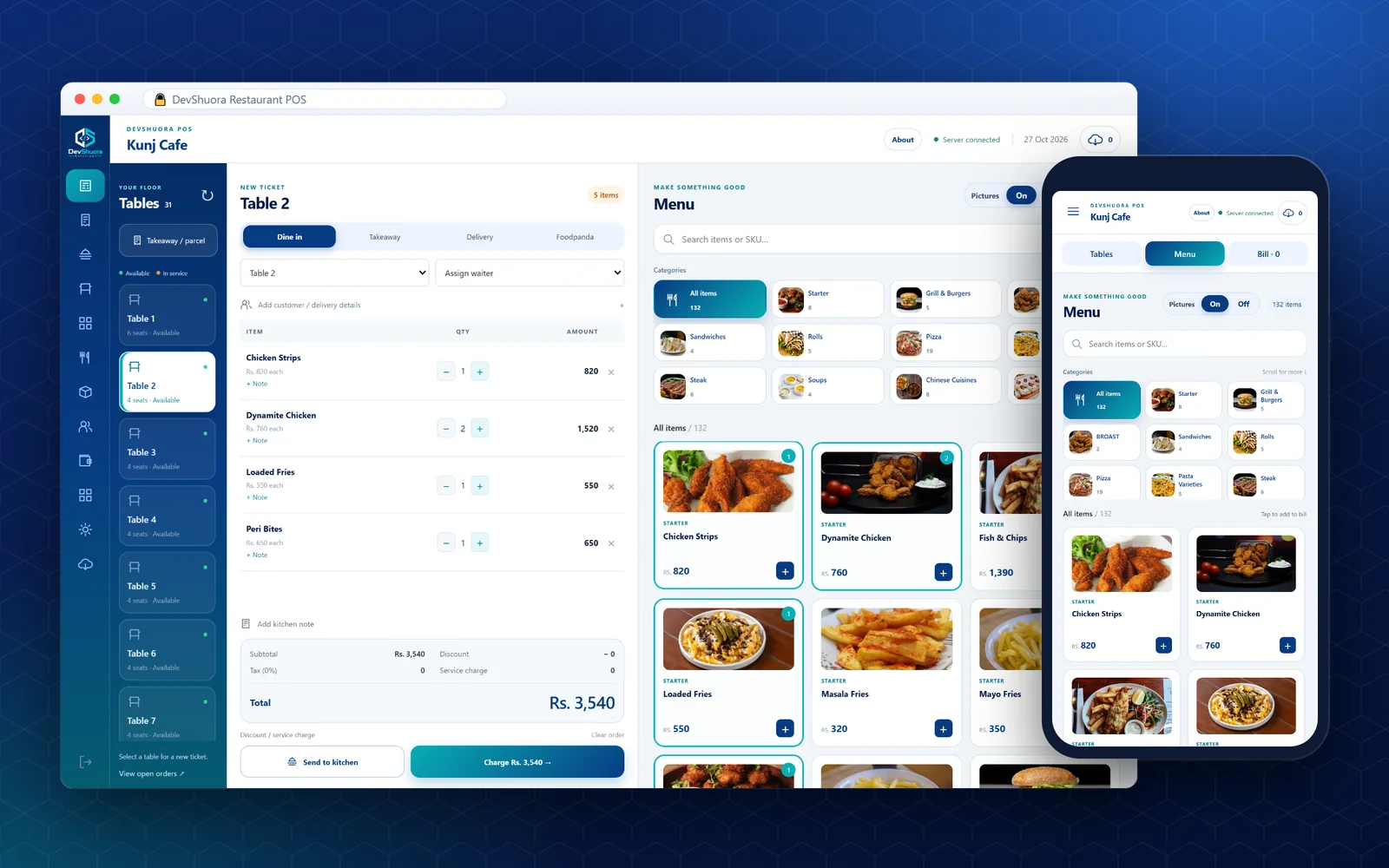
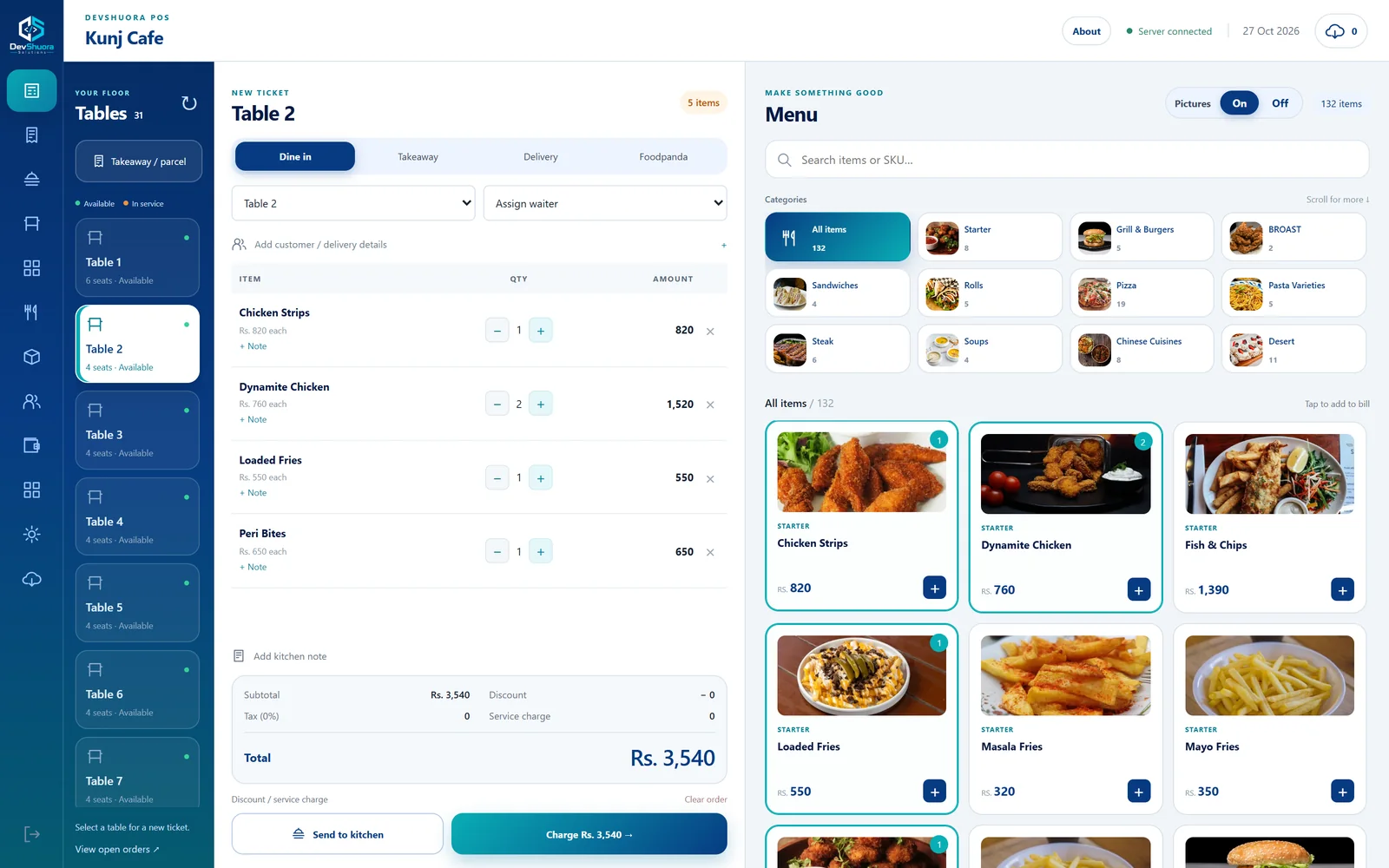
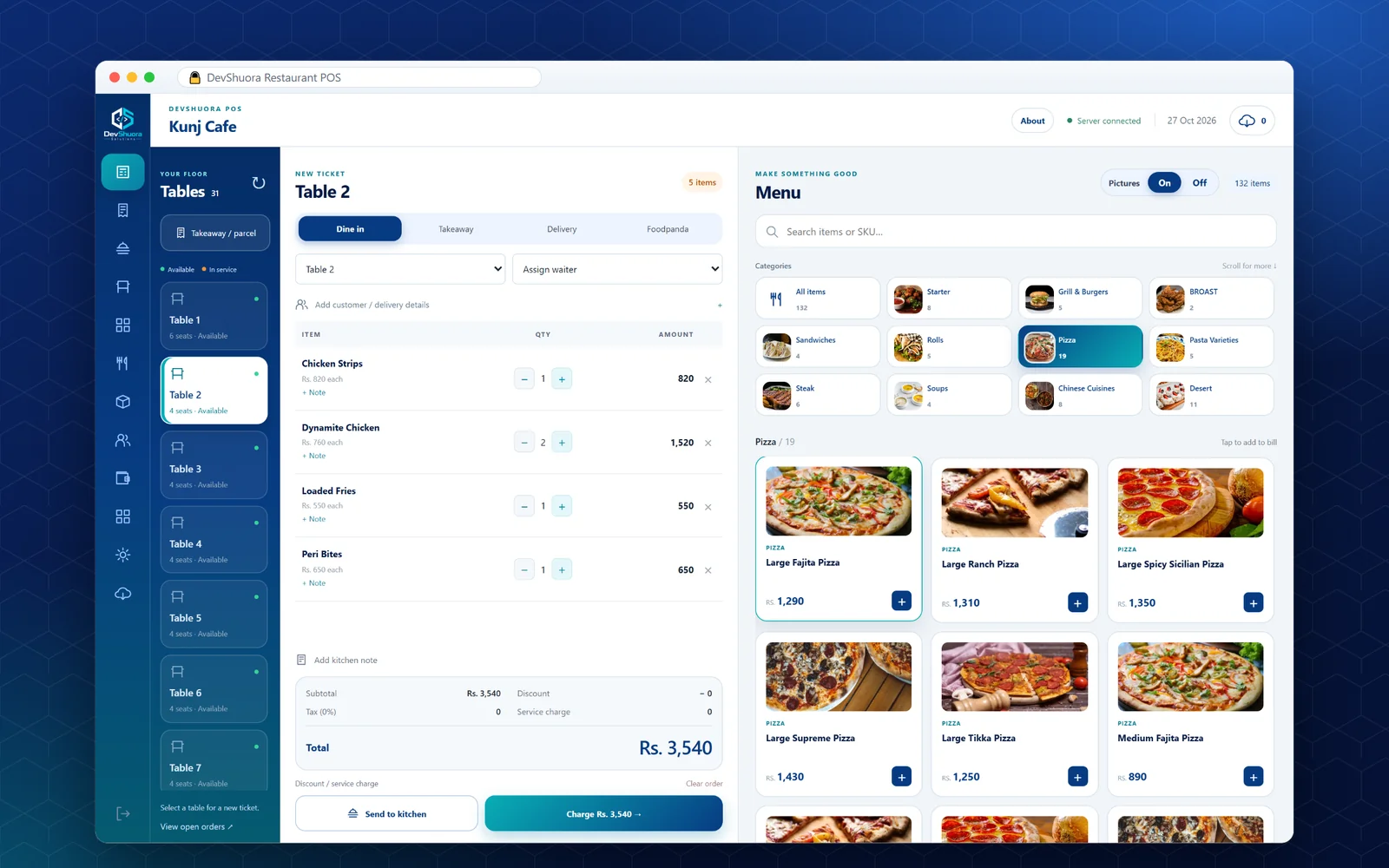
Sales screen
Tables, the bill and a photo menu on one screen, with dine-in, takeaway, delivery and Foodpanda tabs.
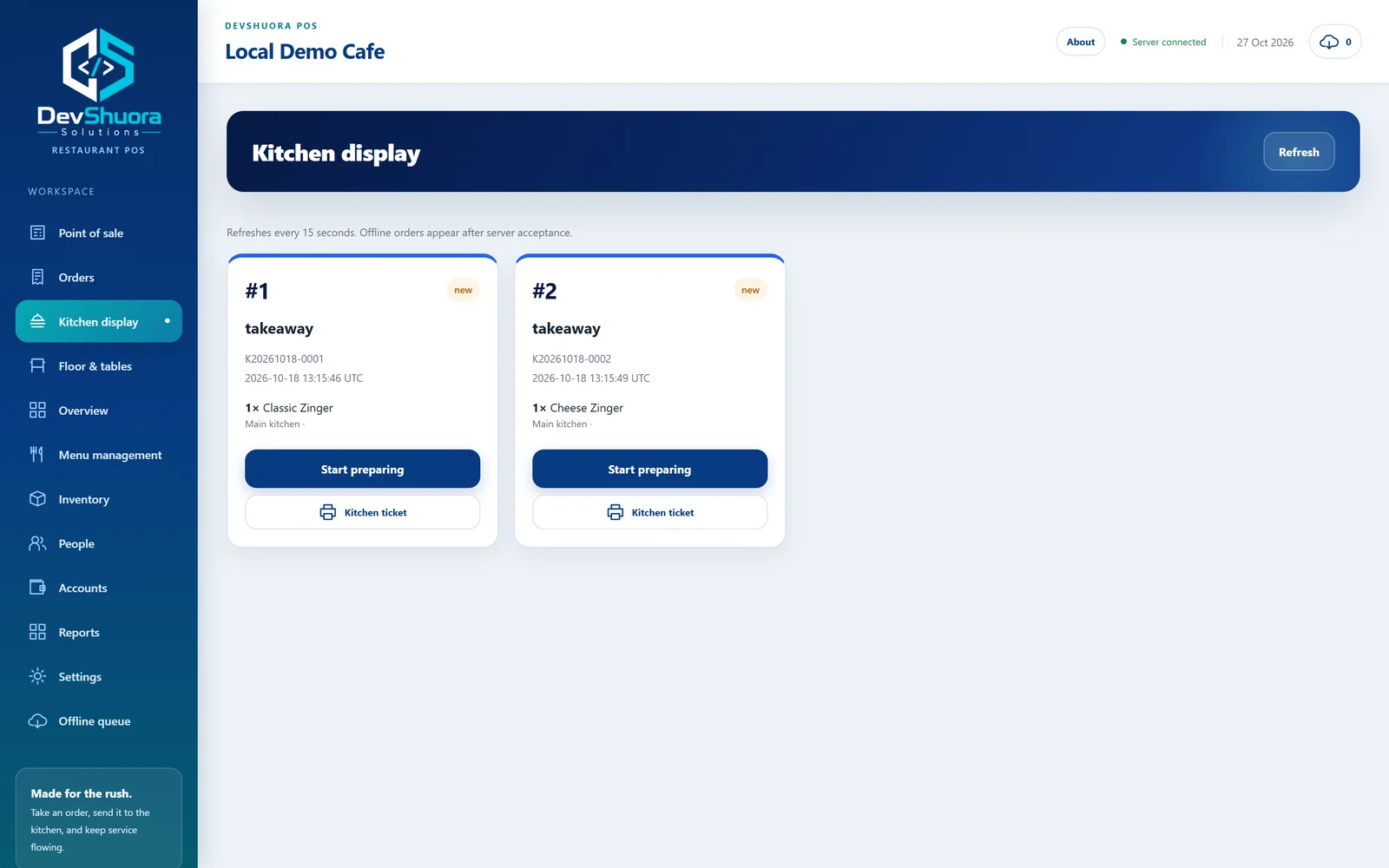
Kitchen display
Orders reach the kitchen instantly as tickets: new, preparing and ready, with kitchen notes and printing.
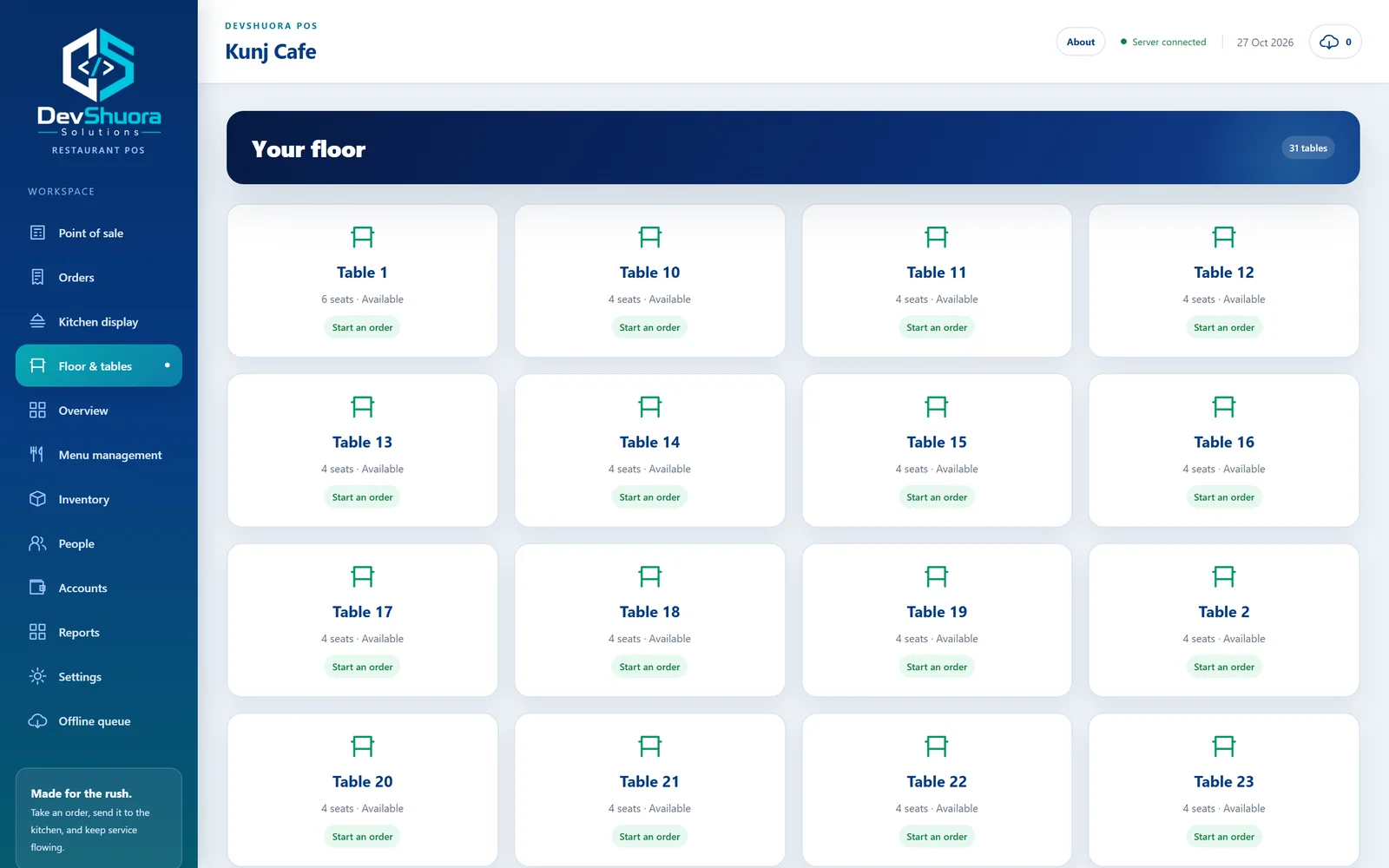
Floor & tables
Every table with its seats and status, so staff start or continue an order in one tap.
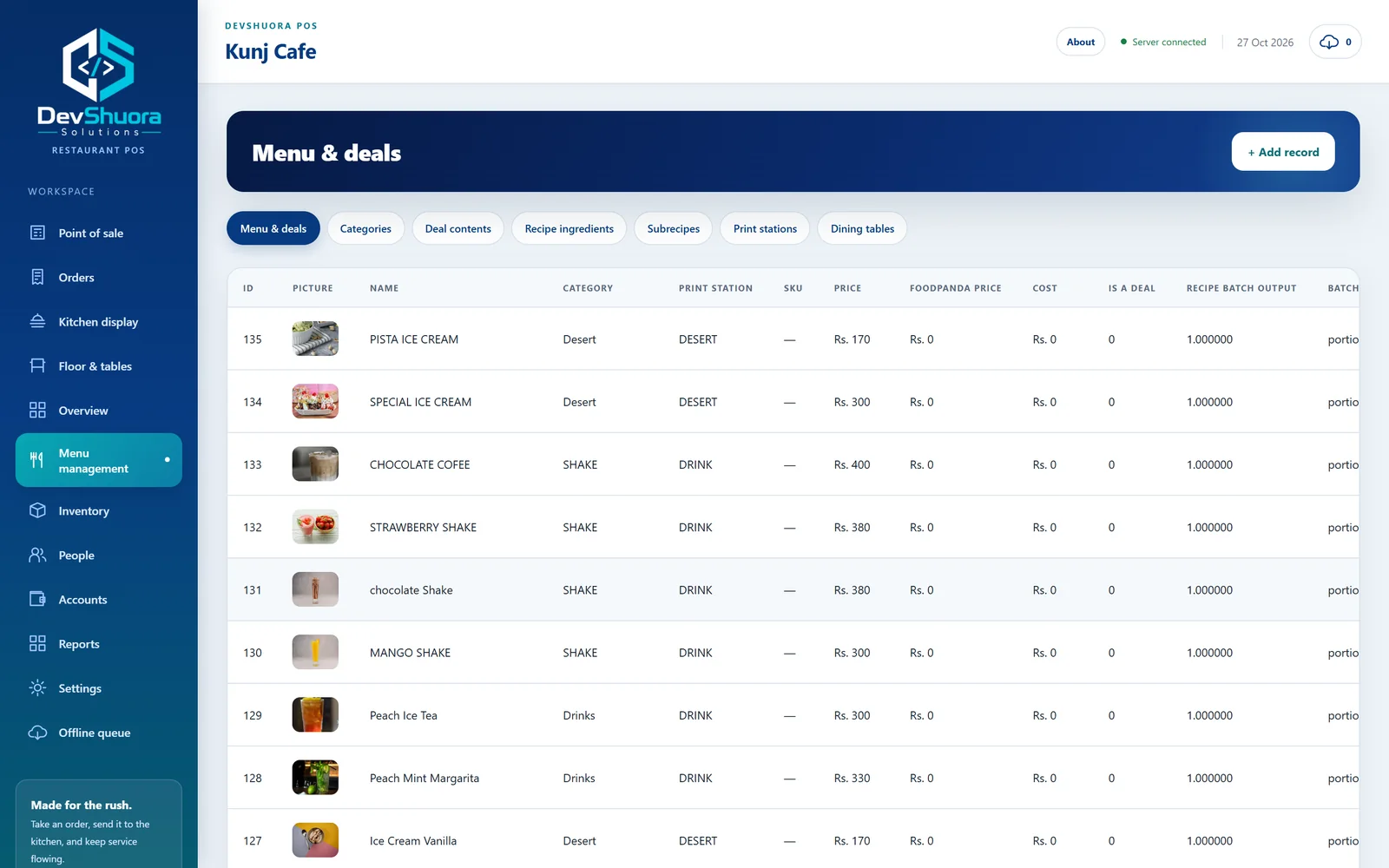
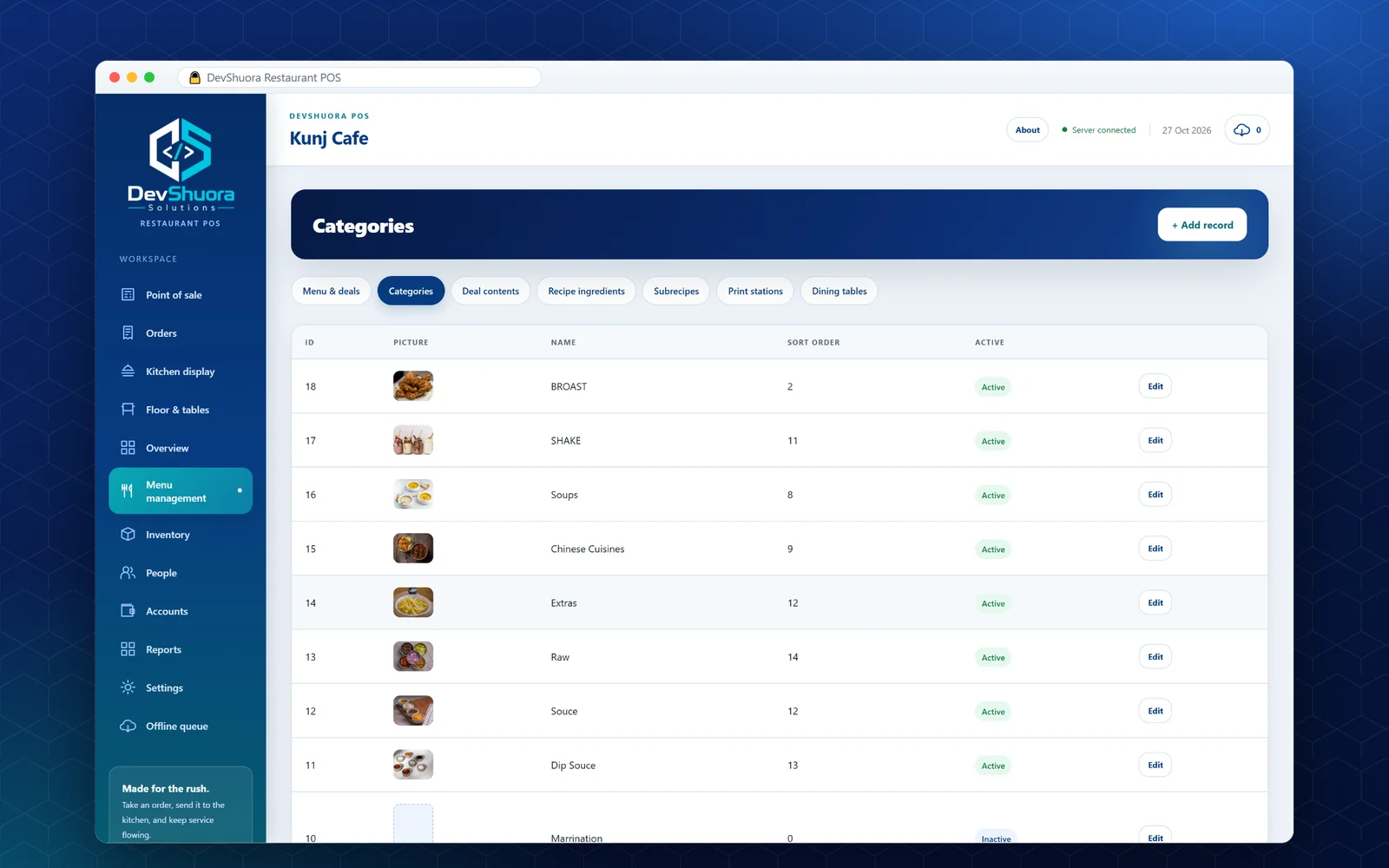
Menu, deals & recipes
Menu items with pictures, categories, deals, recipe ingredients, sub-recipes and print stations.
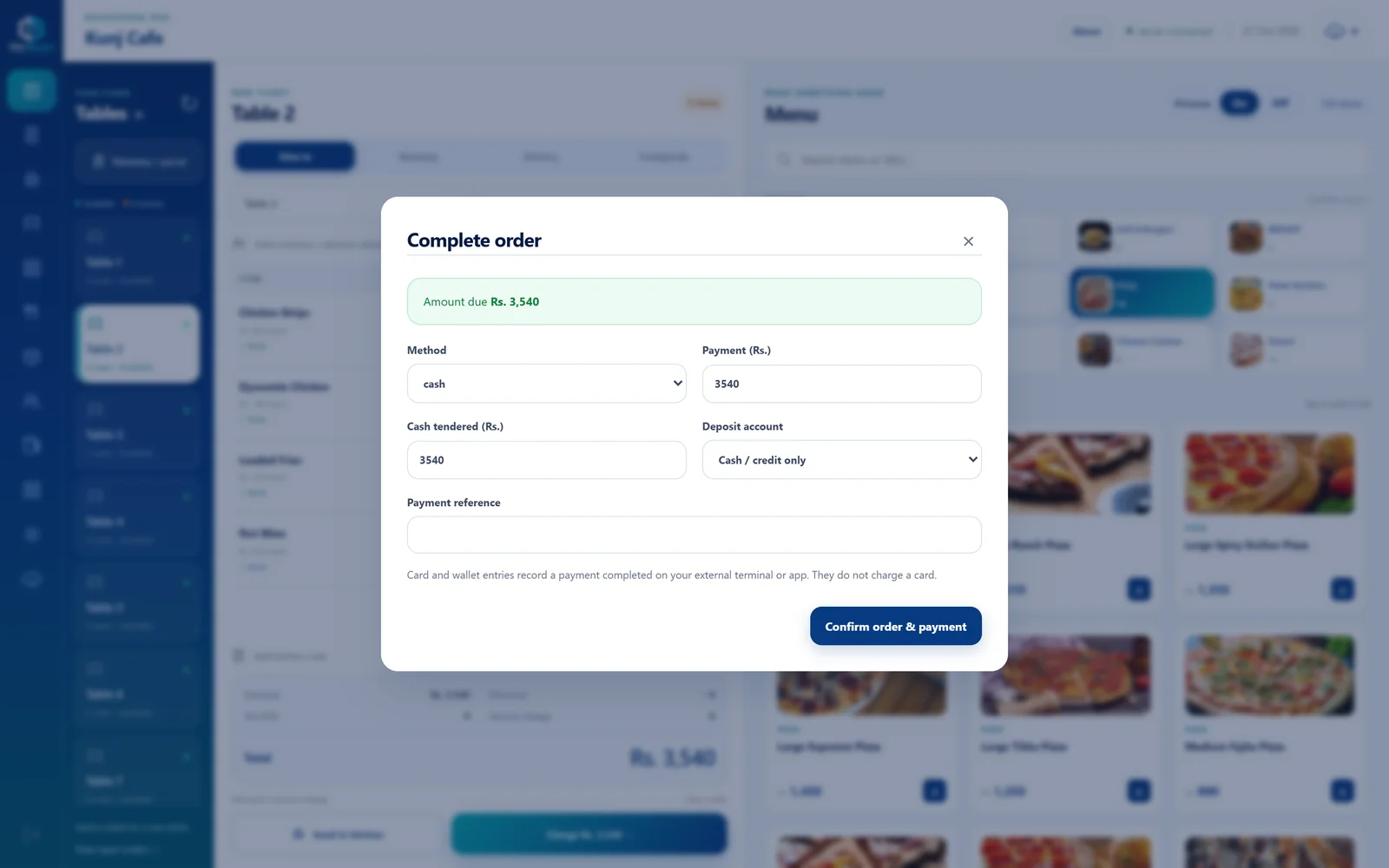
Payments & accounts
Cash, card and wallet payments recorded against the right account, with discount, tax and service charge.
Offline queue
Orders taken while the internet is down are saved and sent to the server when it returns.
A look at what we built.
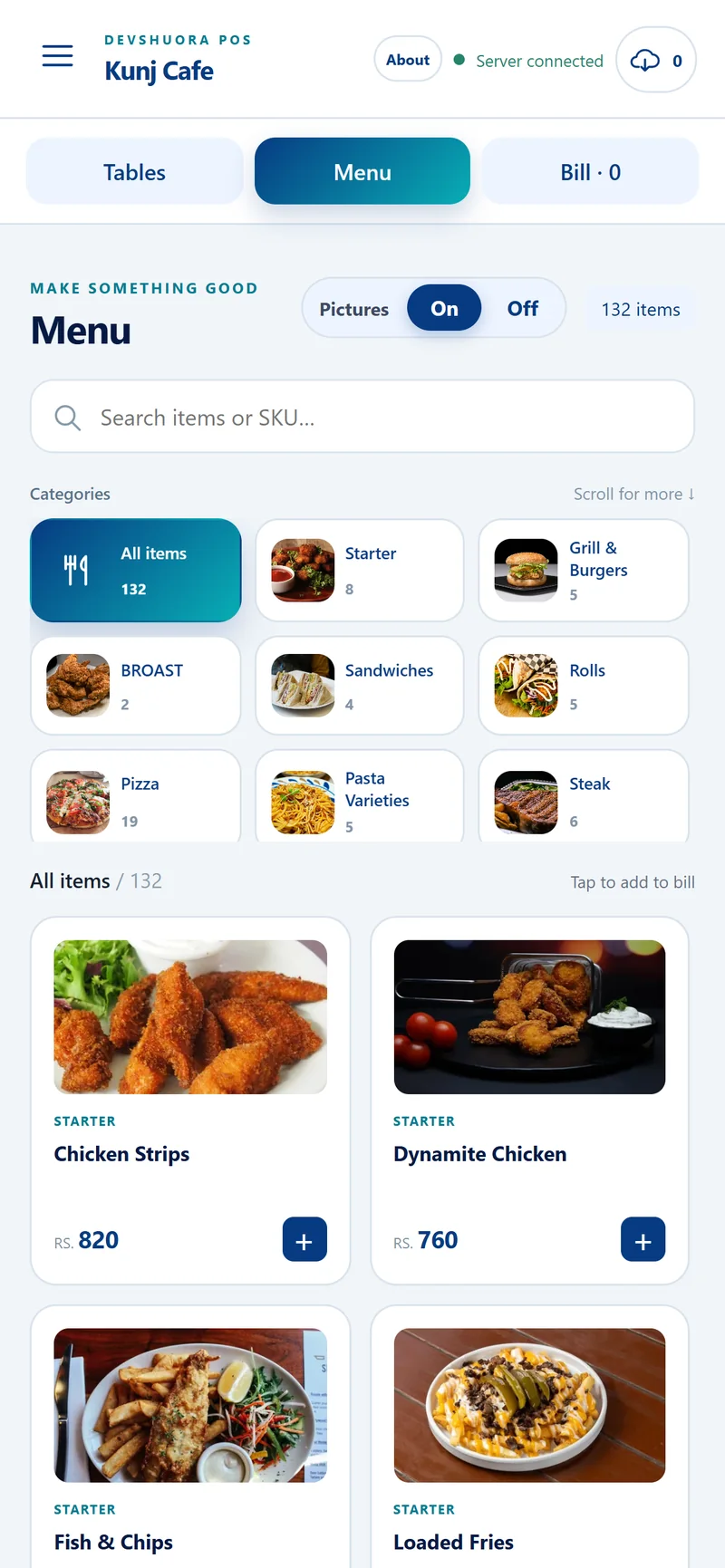
Before and after.
Tools & stack
More work from our team.
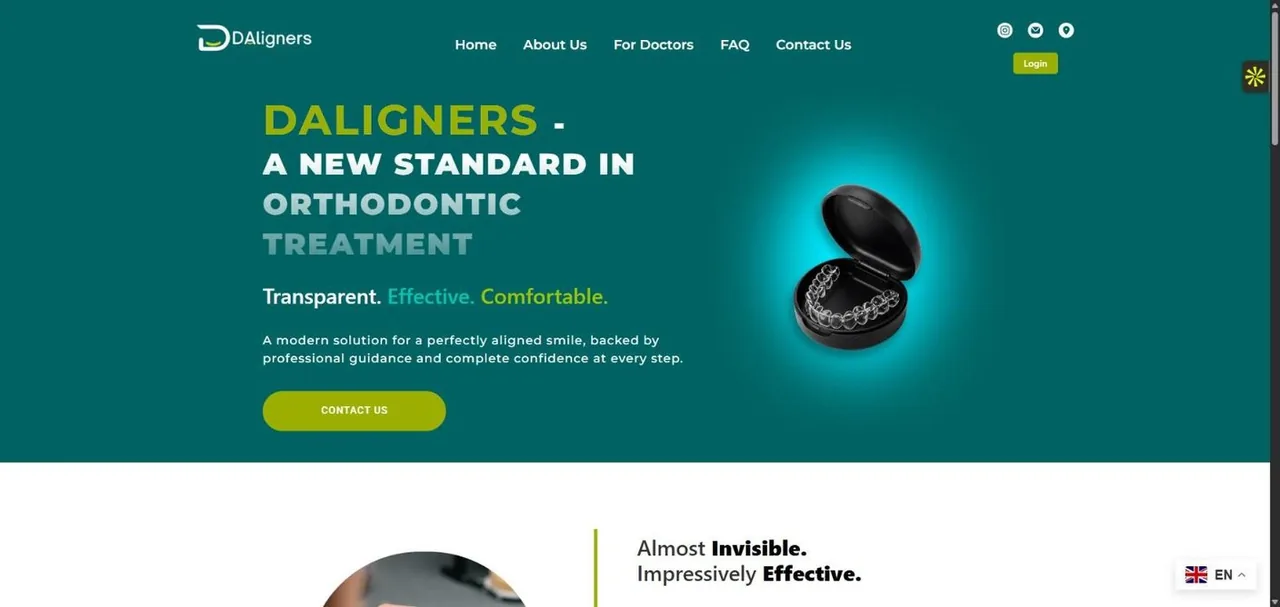
DAligners
WordPress platform & custom portalsA marketing site, a clinic portal where practices upload STL scans, and an admin portal that runs aligner production end to end, all on one custom WordPress theme.
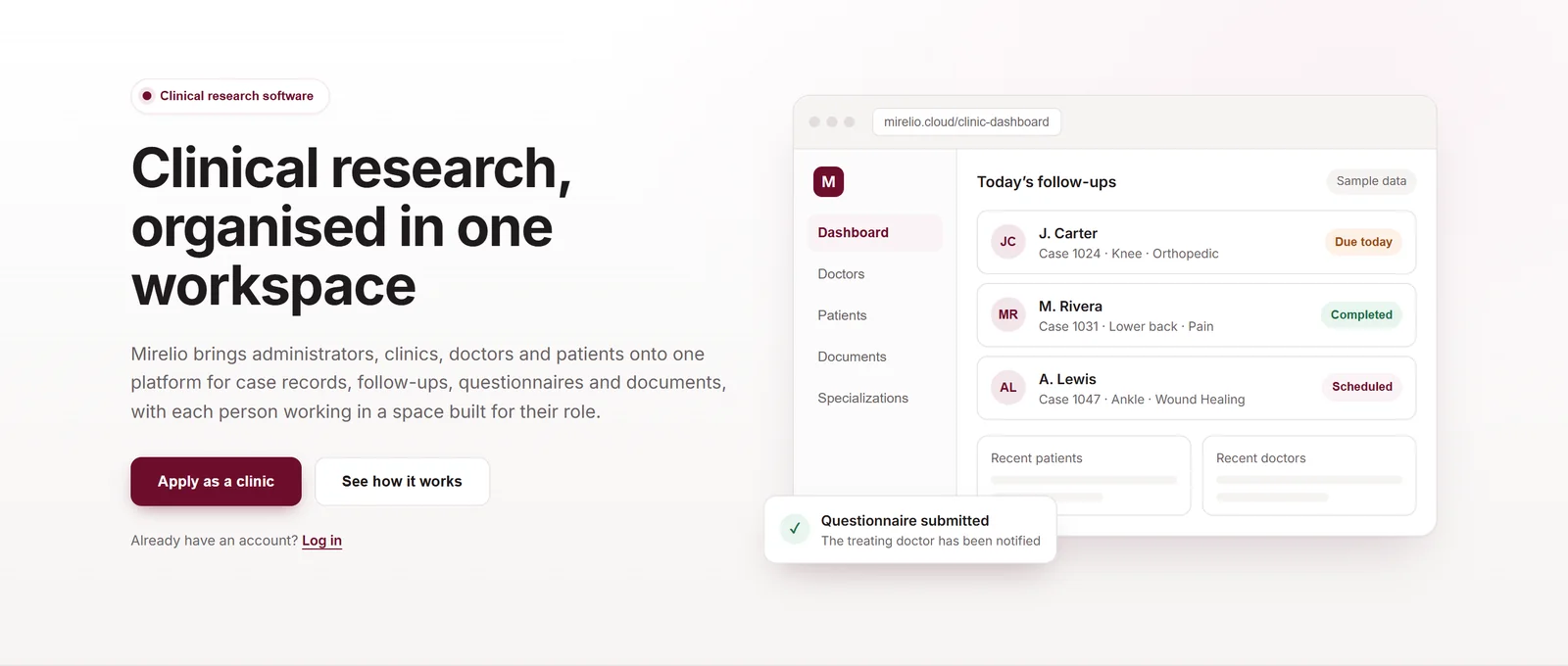
Mirelio
SaaS platform design & developmentClinical research software that brings administrators, clinics, doctors and patients into one workspace for case records, follow-ups, questionnaires and documents.
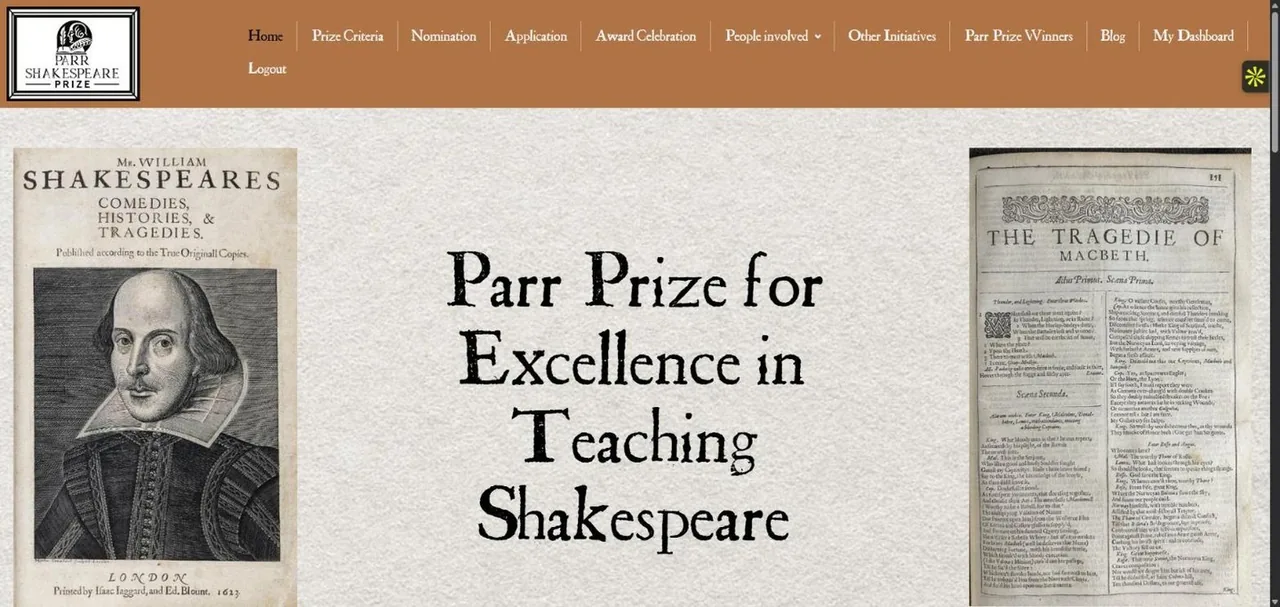
The Parr Shakespeare Prize
Website design & build, judging portalsA literary brand, a public application site for teachers, two private judging portals and Brevo email, delivered from brief to launch in six weeks.
Let's build it with you.
Book a free 30-minute call. We will give you a straight answer on fit, scope, timeline and budget.
Book a call30 minutes, no sales pitch. Tell us what you want to build.
Get a straight answerHonest feedback on fit, scope, timeline and budget.
Decide with no pressureGo ahead only if it feels right. No commitment.
